![CORRUPT[ED]](https://img.itch.zone/aW1nLzI3NTUzMDU1LnBuZw==/original/xBOSad.png)
CORRUPT[ED]
A downloadable game for Windows
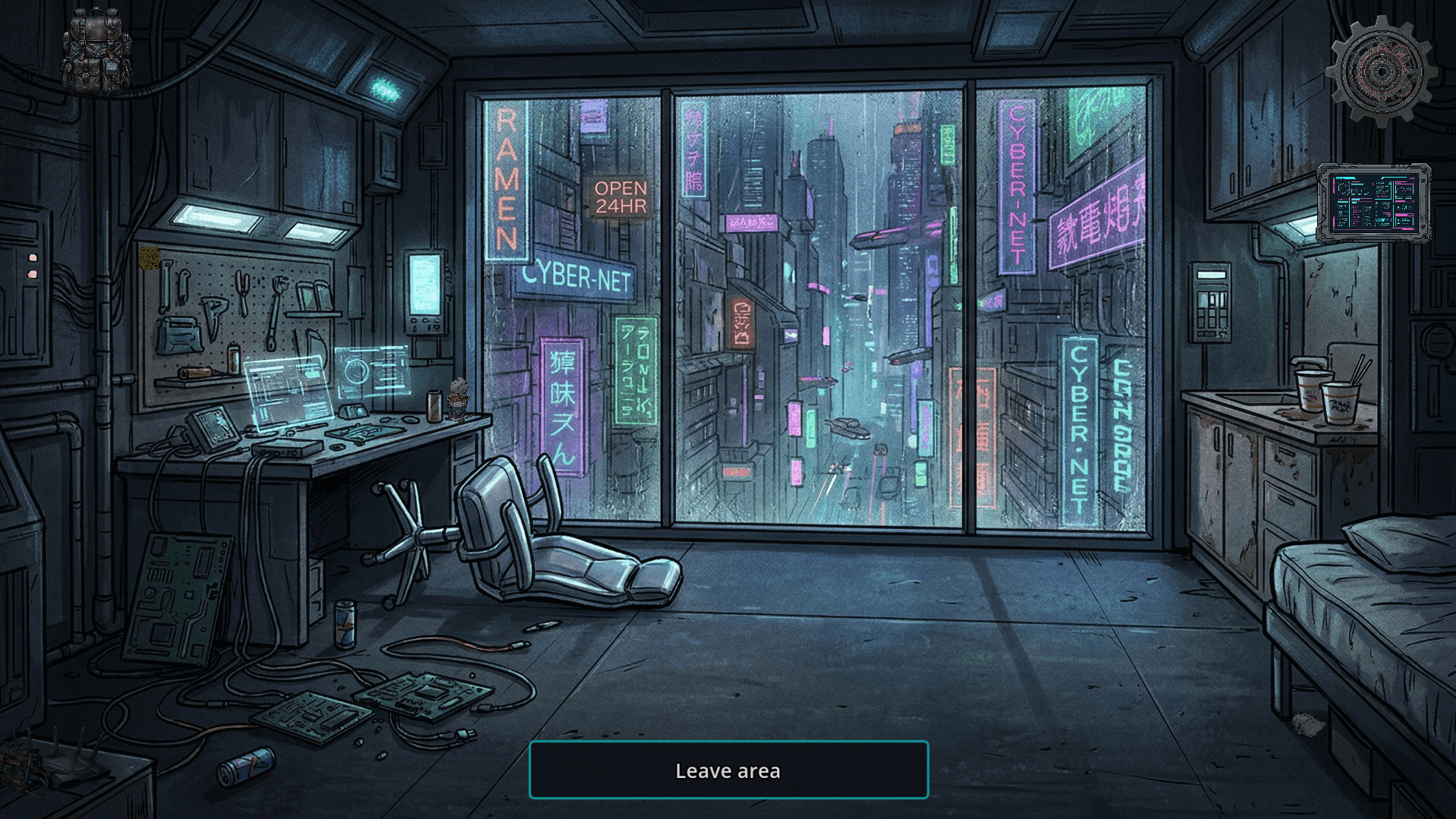
CORRUPT[ED] is a gritty, cyberpunk point-and-click detective game where the truth is buried under layers of neon and deceit. Step into the shoes of an investigator navigating a city torn between law enforcement and the criminal underworld.
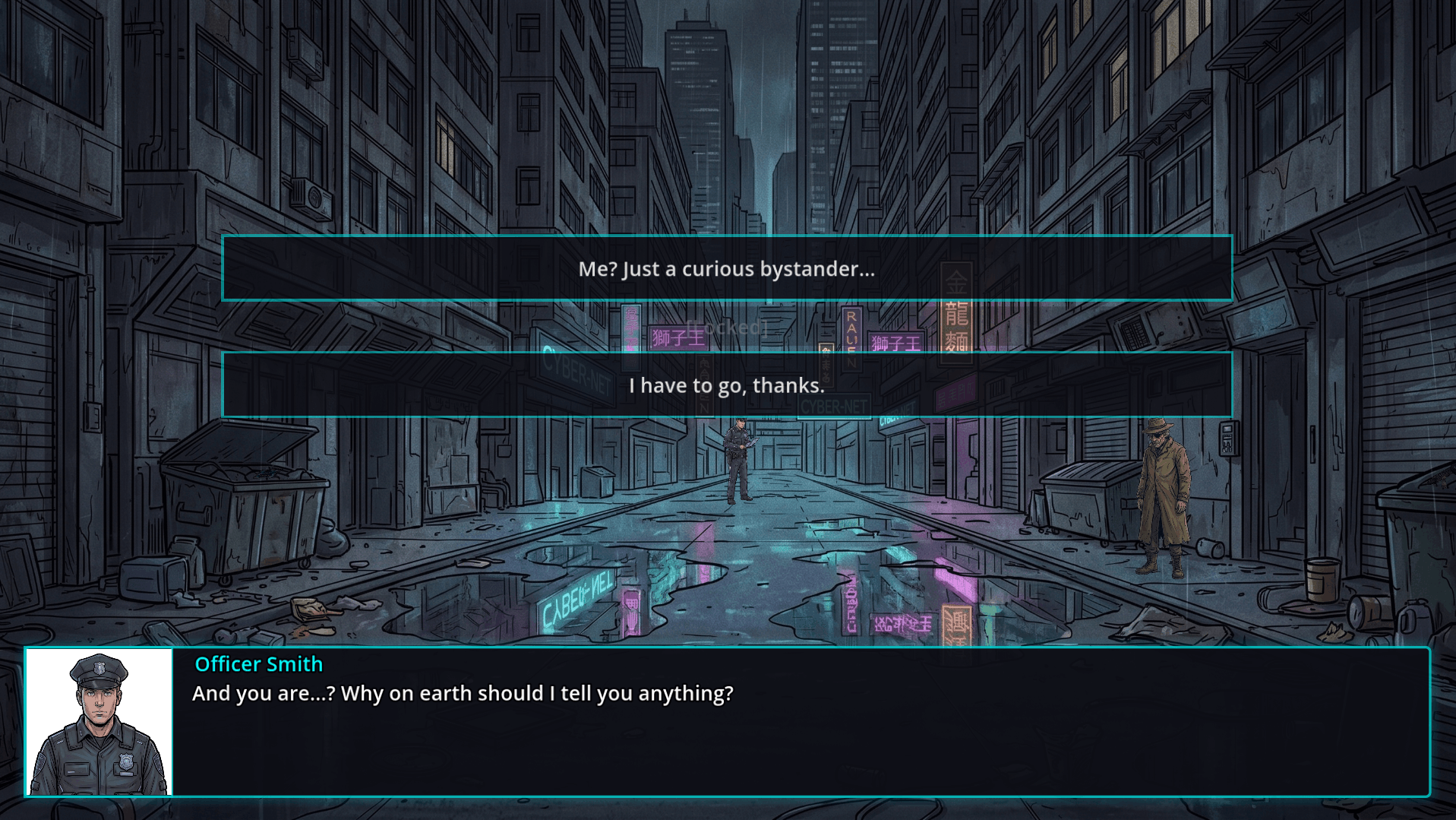
Examine the evidence, interrogate the right people, and decide who walks free and who gets branded as a suspect. But be warned: every action has a cost.
Core Gameplay
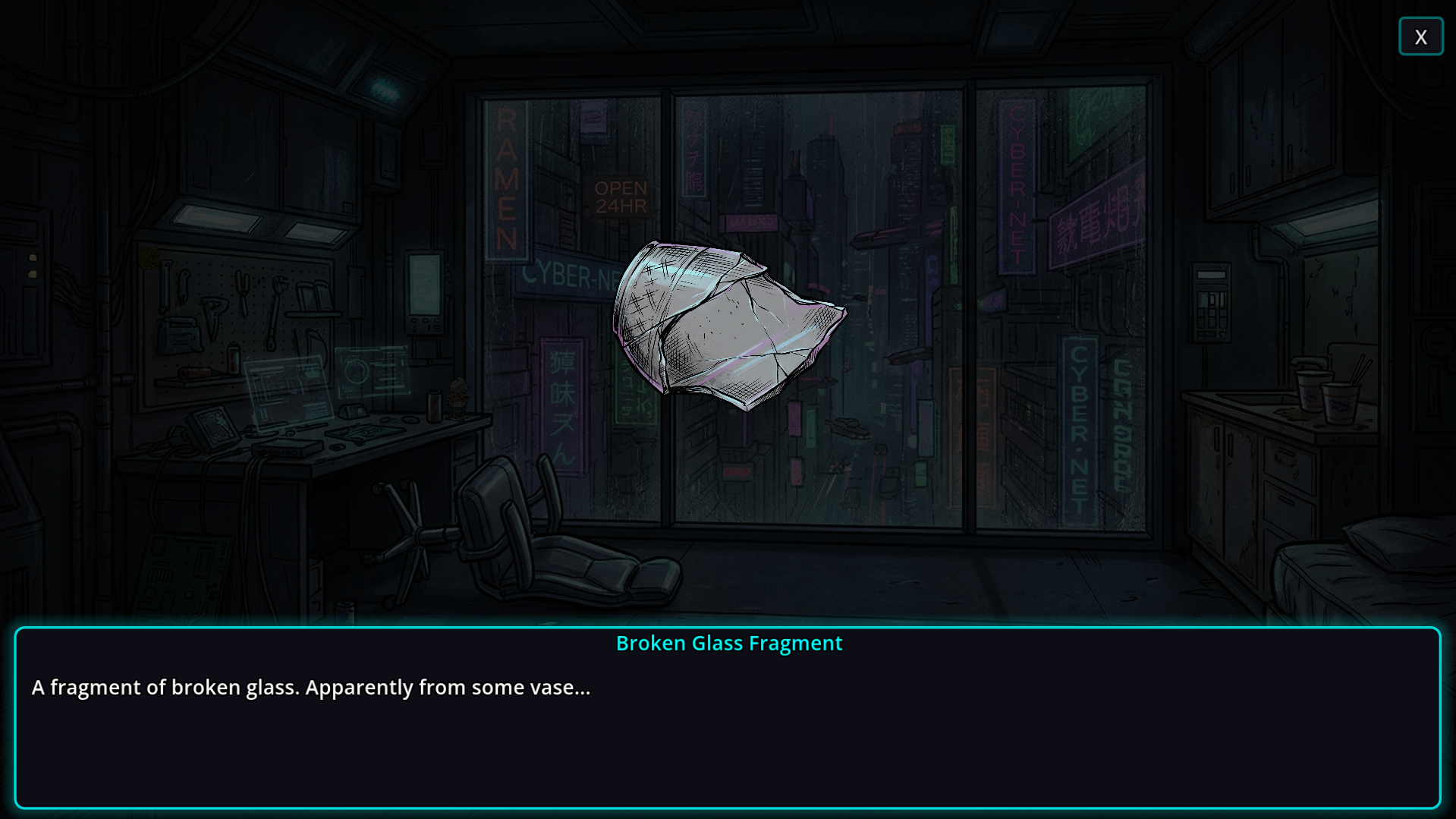
- Investigate & Interrogate: Browse detailed suspect dossiers. Review their history, uncover their truth, and find the missing pieces of the puzzle.
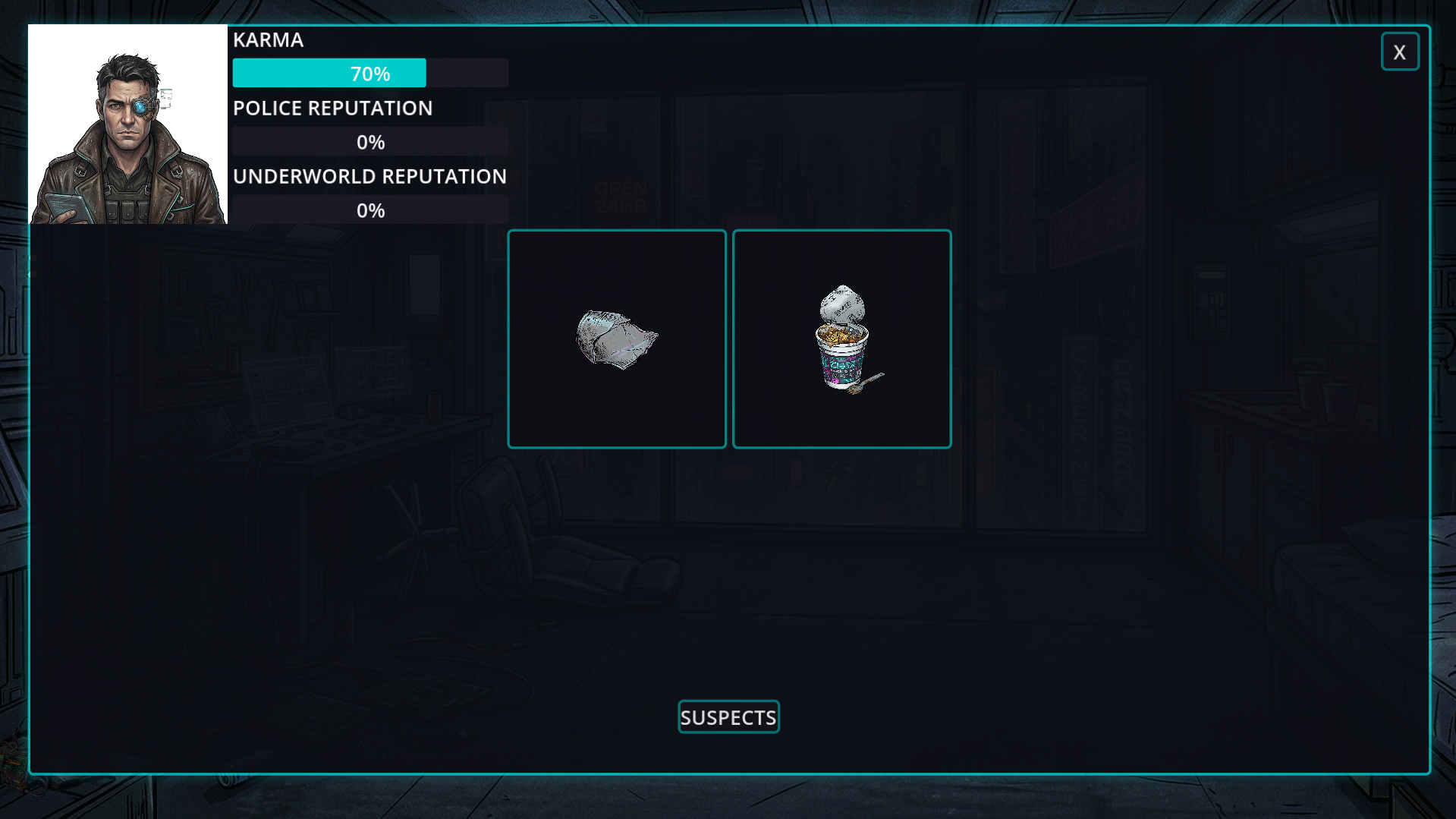
- Reputation System: Promoting someone to an official suspect isn't free. Your choices will cost you Police Reputation, Underworld Reputation, or your own personal Karma.
- Classic Point-and-Click: A fixed-camera experience that focuses on narrative, deduction, and atmosphere, inspired by the golden era of detective adventure games.
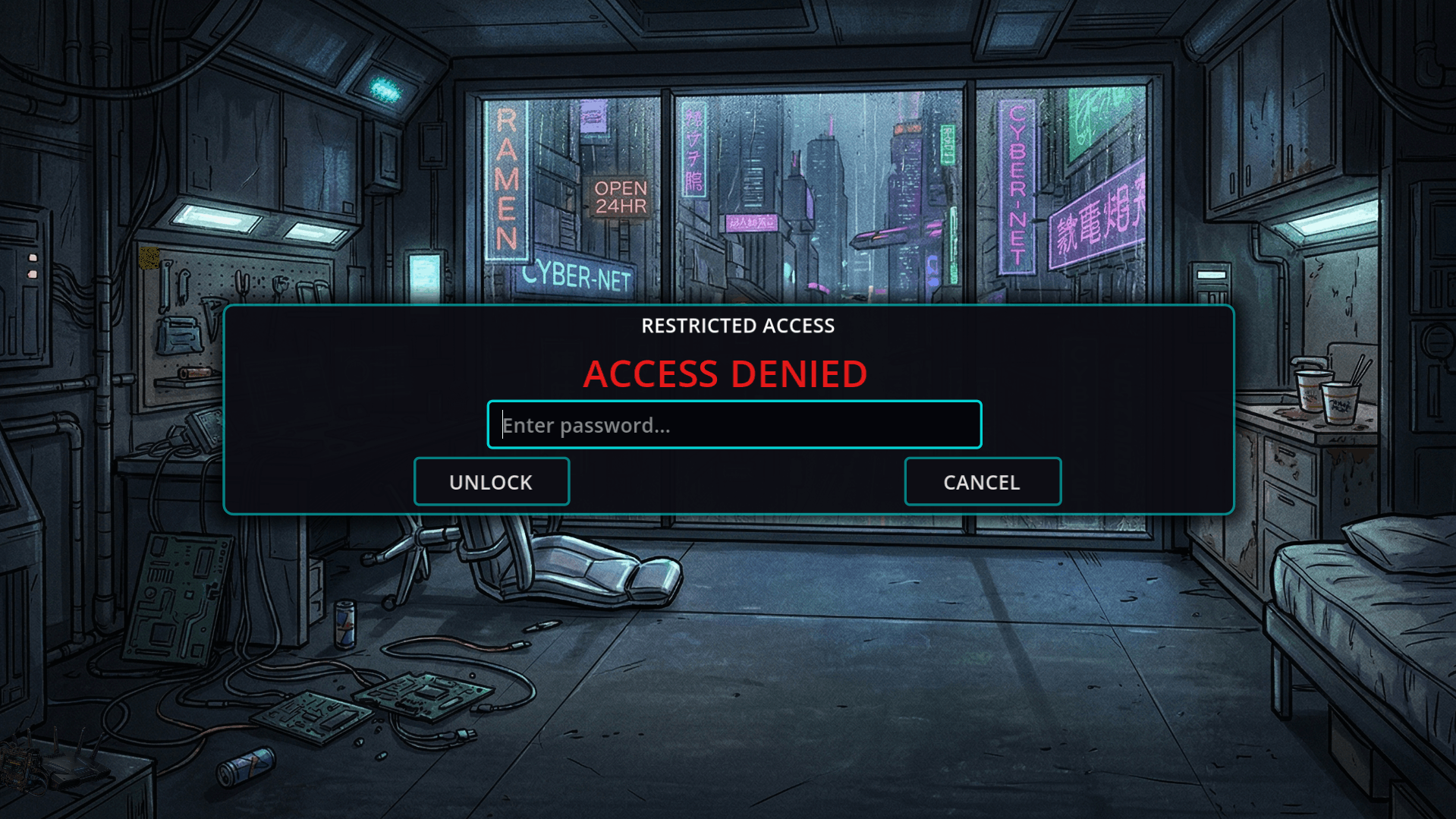
- Cyberpunk Atmosphere: Immerse yourself in a dark, synth-heavy world with stylized neon UI, deep lore, and an unforgettable aesthetic.
Play in Your Language
The truth speaks many languages. CORRUPT[ED] features full text translation for 12 different languages, allowing you to experience the mystery natively in: English, Português, Español, Français, Deutsch, Italiano, Polski, Русский, Українська, हिन्दी (Hindi), 简体中文 (Simplified Chinese), and 日本語 (Japanese).
Note: This is an indie project developed as part of an academic journey. Feedback and bug reports in the discussion board are highly appreciated!
Download
Install instructions
Installation Instructions:
- Click the Download button to get the
.zipfile. - Extract / Unzip the file to a folder on your computer (Right-click the
.zip-> "Extract All..."). (Note: Do not run the game directly from inside the.zip, or it will crash/fail to load assets). - Open the extracted folder and double-click the
.exefile to start the game.
Windows SmartScreen Note: Since this is an indie game, Windows Defender might show a blue warning screen saying "Windows protected your PC". This is normal for uncertified indie games. To bypass it and play safely:
- Click on "More info"
- Click "Run anyway"